Powerful Features, Simple Experience
Everything you need to automate your work - without the complexity
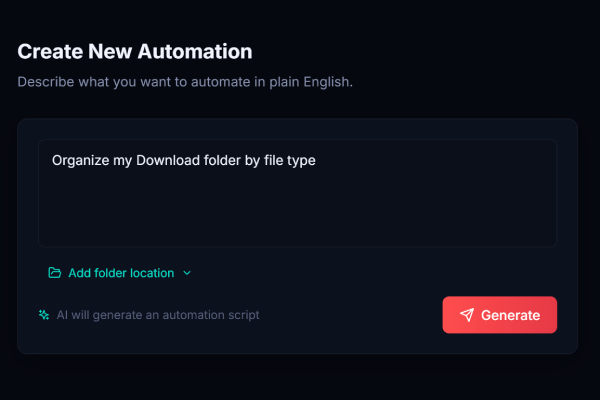
Just Type What You Want
No need to learn a programming language or memorize commands. Simply describe your task like you would to a colleague. The AI understands context, handles edge cases, and creates the perfect automation.
- Understands plain English descriptions
- Handles complex multi-step tasks
- Learns from context and folder structure
- No special syntax or commands needed
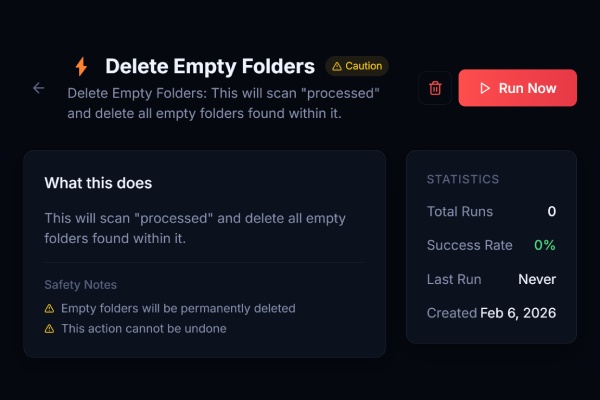
Built-In Safety Scoring
Every automation is analyzed and assigned a safety score before it runs. You always know exactly what is happening and can make informed decisions.
- Safe (Green) - Read-only operations
- Caution (Yellow) - Will modify files
- Review (Red) - Requires extra attention
- Clear explanations for each rating
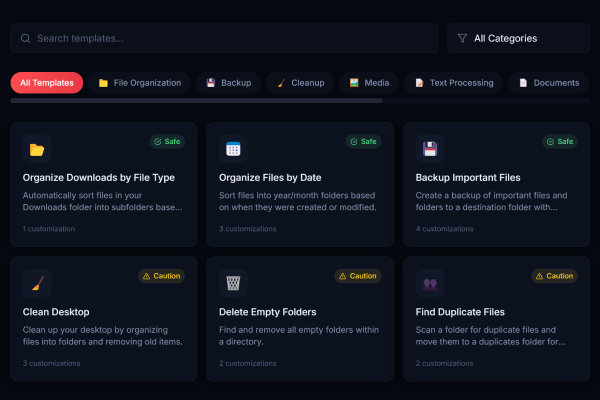
Pre-Built Templates
Don't start from scratch. Choose from dozens of ready-made automations for common tasks. Customize them to fit your specific needs.
- Organize Downloads by Type
- Backup Important Files
- Clean Desktop Weekly
- Rename Photos by Date
- And many more...
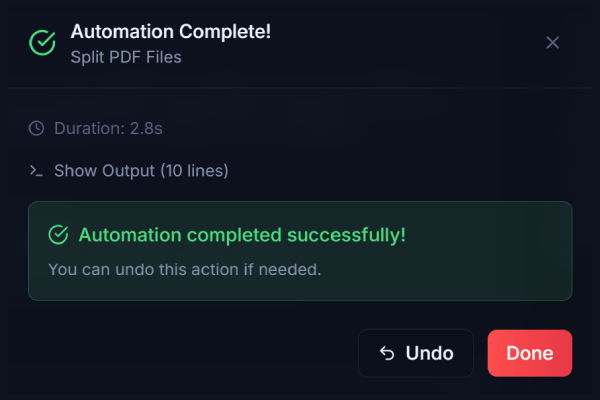
One-Click Undo
Made a mistake? No problem. Automate AI keeps a backup of every change. Restore your files to their original state with one click.
- Automatic backups before changes
- Undo history kept for 7 days
- Restore individual files or entire operations
- Full audit trail of all actions
Completely Offline
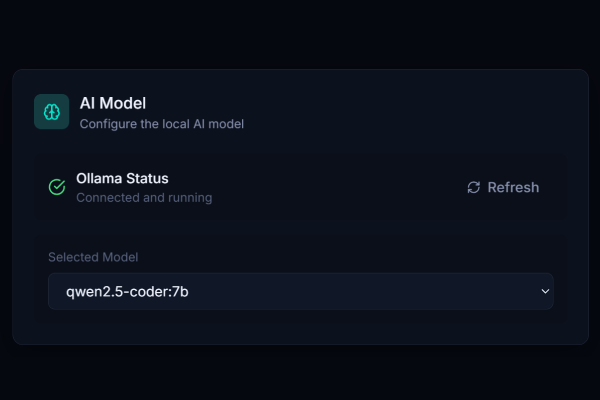
Your data stays on your computer. Always. No cloud uploads, no accounts, no internet required. The AI runs entirely on your machine.
- Local AI processing only
- No data ever leaves your PC
- Works without internet connection
- Perfect for sensitive documents
How We Compare
See how Automate AI stacks up against alternatives
| Feature | Automate AI | Zapier | Traditional Scripts |
|---|---|---|---|
| No coding required | |||
| Works offline | |||
| Completely free | Limited | ||
| PC file automation | |||
| Natural language | |||
| Undo support | |||
| Test run preview | Manual | ||
| Safety scoring |
And Much More
Additional features that make automation effortless
Execution History
Full log of all automations with timestamps and results.
Customizable Templates
Modify any template to match your exact needs.
Multiple Folder Support
Work across multiple folders and drives simultaneously.
Safe Folder Permissions
You control exactly which folders the app can access.
Favorites
Save your most-used automations for quick access.
Modern Interface
Clean, intuitive design that is easy to navigate.
Ready to Try These Features?
Download Automate AI free and experience the power of AI-driven automation.