
Automate Your Work with Plain English
Just describe what you want done. Automate AI creates and runs the automation for you - no coding, no complexity, no cloud required.
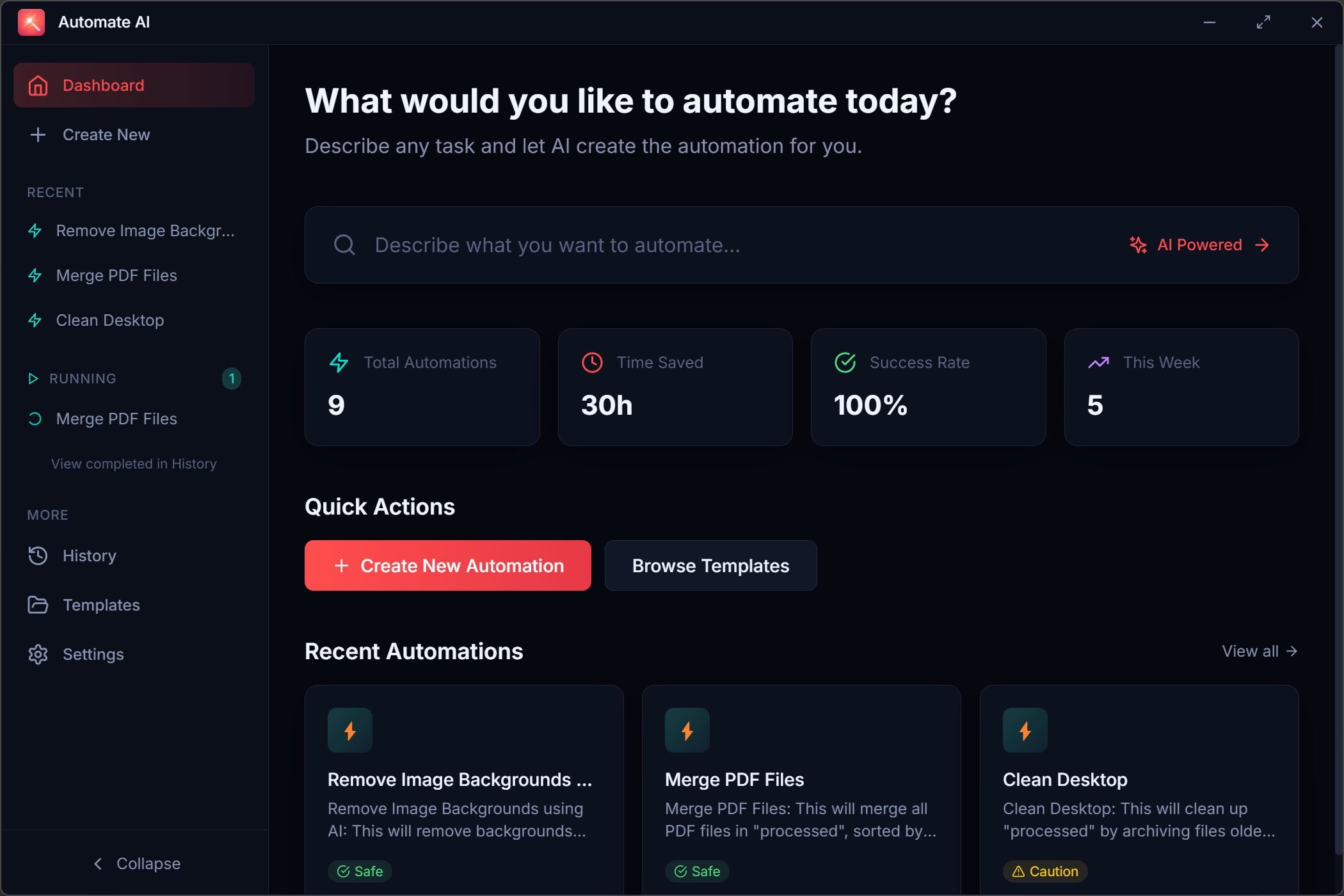
How It Works
From idea to automation in three simple steps
Describe
Tell the AI what you want in plain English. No special syntax or commands needed.
Review
See exactly what will happen before it runs. Preview all file changes safely.
Run
One click to execute. Undo anytime if needed. It is that simple.
Watch: Creating an automation in 30 seconds
Why Choose Automate AI?
Powerful automation made simple and safe
Natural Language
No coding. No scripting. Just describe what you want like you are talking to a helpful assistant.
Safe by Design
Every automation shows a safety score. Preview changes before they happen. Undo any action.
100% Offline
Runs entirely on your PC. Your data never leaves your computer. No account or internet required.
Ready-Made Templates
Start instantly with pre-built automations for file organization, backups, cleanup, and more.
What Can You Automate?
From simple file tasks to complex workflows
"Organize my Downloads folder by file type"
File Organization
- Sort by type
- Sort by date
- Clean duplicates
Photo Management
- Rename by date
- Resize batches
- Organize albums
Document Tasks
- Merge files
- Search/replace
- Extract data
Backup Tasks
- Auto backup
- Scheduled saves
- Version control
Spreadsheet Work
- Excel automation
- Data extraction
- Report creation
Cleanup Tasks
- Empty folders
- Old files
- Desktop cleanup
Frequently Asked Questions
Everything you need to know about Automate AI
Is Automate AI really free?
Yes, completely free. There are no trials, no feature limits, and no account required. The core app with local AI will always be free. We plan to offer optional premium features in the future for power users and teams, but the free version will remain fully functional.
Does it need an internet connection?
No. Once installed, Automate AI runs entirely on your computer using a local AI model. Your files and data never leave your machine. You can use it on airplanes, in offline environments, or anywhere without internet access.
Is my data safe?
Absolutely. All processing happens locally on your PC. We never collect, upload, or have access to your files. The AI model runs on your machine, and automations only work within folders you explicitly approve. Plus, every automation includes a test-run preview and one-click undo.
What are the system requirements?
Windows 10 or 11 (64-bit) with at least 8GB RAM and 10GB free disk space. For best performance, we recommend 16GB RAM and an SSD. The local AI model requires a one-time download of about 4GB during first setup.
What happens if an automation makes a mistake?
Every automation includes a test-run feature that shows what will happen before any changes are made. If something does go wrong, you can undo any automation with one click. An undo history is kept for 7 days, so you can always restore your files. Make sure you enable the backup feature in settings first.
When will the Mac version be available?
We are actively working on macOS support. Sign up for our premium early access list above to be notified when it launches.
Ready to Automate?
Download Automate AI free and start saving hours every week.
Works on Windows 10/11 & macOS